Copilots Embedded in IDEs, Docs, and Browsers
GitHub Copilot, Microsoft 365 Copilot, and Google Duet AI embed AI assistance directly into IDEs, productivity apps, and browsers—transforming work through ambient intelligence rather than standalone tools. Developers, writers, and analysts report significant productivity gains, though the technology requires judgment and vigilance to avoid subtle errors in generated outputs.
11/27/20234 min read
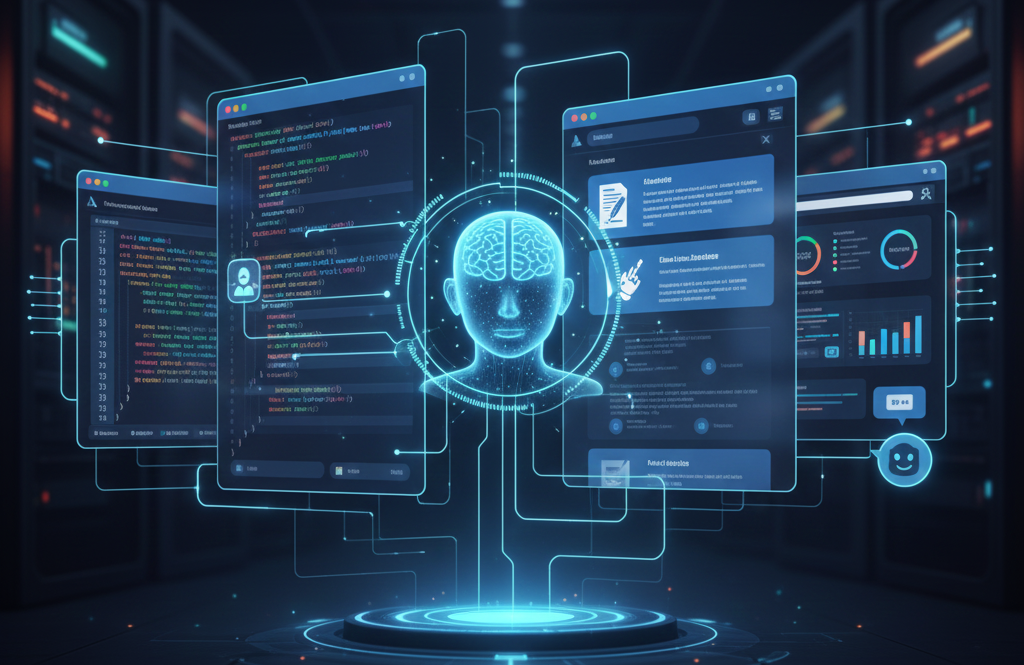
The most profound AI transformation isn't happening in standalone chat interfaces or experimental applications—it's occurring quietly inside the tools millions of professionals already use daily. GitHub Copilot completes your code as you type. Microsoft 365 Copilot drafts emails in Outlook and summarizes meetings in Teams. Google's Duet AI suggests next sentences in Docs and generates formulas in Sheets. Browser extensions answer questions without leaving your workflow. These aren't separate AI tools you context-switch to use—they're ambient intelligence woven into existing software, fundamentally altering how work gets done.
GitHub Copilot: The Pioneer
GitHub Copilot, launched in June 2022, pioneered the embedded AI assistant model. Built on OpenAI's Codex, it lives inside developers' IDEs—Visual Studio Code, JetBrains, Neovim—suggesting code completions in real-time as developers type.
The experience feels less like using a tool and more like pair programming with an omniscient but occasionally confused colleague. Start typing a function, and Copilot suggests the implementation. Write a comment describing what you need, and it generates the code. The suggestions appear inline, ghosted in gray text, accepted with a tab key press or ignored if inappropriate.
Developers report productivity gains of 30-55% on routine coding tasks. The benefits concentrate in boilerplate code, API integration, and common patterns where Copilot's training data provides strong priors. For novel algorithms or complex logic, assistance diminishes, but even then, Copilot accelerates the routine parts surrounding the creative work.
The tool has shifted how developers approach coding. Instead of context-switching to Stack Overflow or documentation, many now write descriptive comments and let Copilot draft implementations. The workflow becomes: describe intent, review generated code, adjust as needed, move forward. This inverts the traditional pattern of planning implementation details before coding.
However, Copilot's suggestions require judgment. It sometimes produces subtly incorrect code that compiles but contains logical errors, security vulnerabilities, or inefficient implementations. The productivity gains come with a requirement for enhanced code review vigilance—developers must understand what Copilot generates rather than blindly accepting suggestions.
Microsoft 365 Copilot: AI Meets Office Work
Microsoft 365 Copilot, currently in preview for enterprise customers, represents the most ambitious attempt to embed AI across productivity software. The integration spans Outlook, Word, Excel, PowerPoint, Teams, and other Microsoft applications, with consistent AI assistance adapted to each context.
In Outlook, Copilot drafts email responses based on conversation history and your typical communication style. In Word, it generates document sections from prompts, rewrites content for different audiences, or summarizes lengthy documents. In PowerPoint, it creates presentations from documents or outlines. In Excel, it analyzes data, identifies trends, and generates visualizations through natural language requests.
Teams integration is particularly compelling. Copilot can join meetings, provide real-time transcription, summarize key points, identify action items, and answer questions about what was discussed—even for meetings you missed. The promise is never needing to ask "can someone catch me up" again.
Early enterprise adopters report mixed experiences. When Copilot works well, it dramatically accelerates routine communication and document drafting. But the technology remains imperfect—generating off-tone emails, misunderstanding complex data analysis requests, or creating presentations that require extensive revision. The productivity gains are real but not revolutionary, more evolutionary improvement than transformation.
The pricing—$30 per user monthly in addition to Microsoft 365 subscriptions—positions it as a premium offering. Whether the productivity gains justify this cost varies significantly by role and usage patterns.
Google Duet AI: The Workspace Challenger
Google's Duet AI, integrated into Workspace applications, offers similar functionality to Microsoft's approach with some distinctive features. In Google Docs, Duet helps draft, rewrite, and proofread content. In Gmail, it suggests responses and composes emails. In Sheets, it assists with formulas and data analysis. In Slides, it generates presentation content and designs.
Duet's "Help me write" feature in Docs and Gmail mirrors Microsoft's approach but emphasizes style and tone adjustments. You can ask Duet to make text more formal, concise, or elaborate—useful for adapting content to different audiences without manual rewriting.
Google Meet integration provides similar meeting summarization and action item extraction to Teams Copilot. The feature catches meeting participants up on what they missed and provides searchable meeting records without manual note-taking.
The competitive dynamic between Microsoft and Google is pushing both toward deeper, more capable integration. Each update from one company prompts matching features from the other, accelerating development and benefiting users with continuously improving assistants.
Browser-Based Assistants: The Everywhere AI
Beyond office applications, browser extensions are bringing AI assistance to arbitrary web contexts. Extensions like ChatGPT for Chrome, Sider, Monica, and others overlay AI capabilities on any webpage.
These tools can summarize articles, explain complex passages, translate text, compose social media posts, draft email responses to web forms, and answer questions about page content—all without leaving the browser tab. The experience makes AI assistance truly ambient, available wherever you're working online.
The utility is highest for information workers who spend their days in browsers: researchers synthesizing information across sources, customer support agents responding to inquiries, writers researching topics, analysts gathering data from multiple sites.
However, privacy concerns accompany this convenience. Browser extensions often require permissions to read page content, creating risks if extensions are compromised or providers misuse data. Users must trust extension providers with potentially sensitive information flowing through their browsers.
The Subtle Transformation
The shift from standalone AI tools to embedded assistants is profound. When AI requires consciously context-switching to a separate application, usage remains discretionary and intermittent. When AI suggestions appear automatically within existing workflows, they become continuous background presence shaping how work happens.
Developers using Copilot daily report thinking differently about programming—relying more on describing intent and reviewing generated code than planning detailed implementations. Writers with AI drafting assistants approach blank pages differently, starting with rough AI-generated outlines rather than staring at emptiness. Analysts ask spreadsheet AI for insights that would have required manual exploration previously.
The embedded model also reduces friction dramatically. The difference between opening ChatGPT in another tab versus having suggestions appear inline in your IDE is the difference between occasional tool use and continuous workflow augmentation. Convenience drives adoption, and adoption drives behavior change.
The Questions Ahead
As AI assistants embed deeper into daily tools, important questions emerge. How do we maintain skill development when AI handles routine tasks that traditionally built expertise? What happens to productivity when AI assistance becomes baseline expectation rather than competitive advantage? How do we ensure accountability when AI contributes significantly to professional output?
These aren't hypothetical concerns—they're already affecting how work happens for the millions using these tools daily. The transformation is quiet, incremental, and easy to miss. But the accumulated effect of AI assistance across countless small tasks is reshaping professional work as fundamentally as previous generations experienced with spreadsheets, email, or the internet itself.
The AI co-worker is already here, embedded in your tools, waiting for your next task.